
7 min read
My Mac won’t turn on: what to check before bringing it in
A Mac that will not turn on can mean five different things, and each one leads to a different repair. These checks take ten minutes and sometimes solve the problem outright.
6 min readBestFixing workshop team
On a laptop the keyboard is a funnel straight down to the logic board, so liquid reaches the electronics in seconds. That first minute counts for more than everything else.
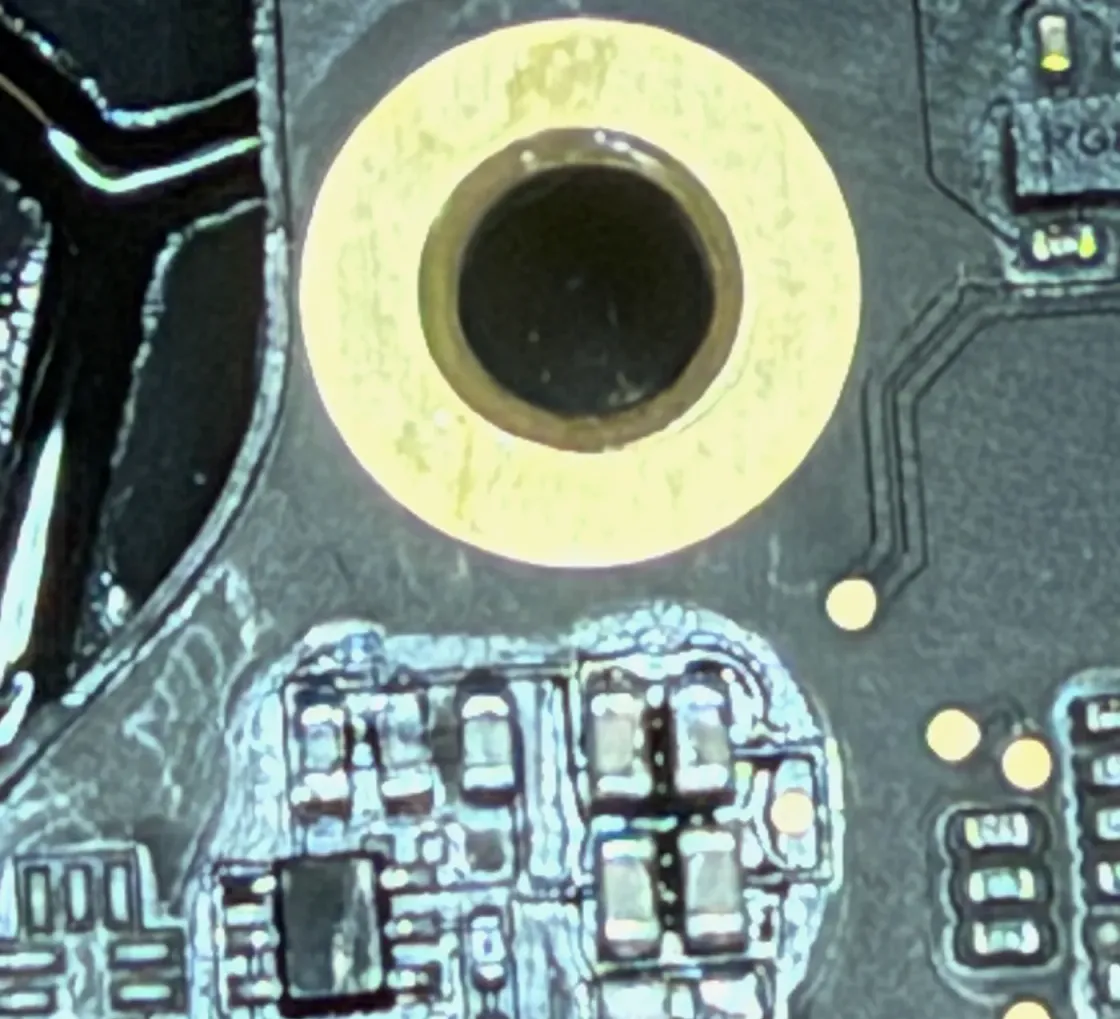
If you are reading this with the laptop dripping in front of you, jump to the first section and come back afterwards. The rest can wait five minutes. The machine cannot.
One note on scope: this is about laptops. If what got wet is a phone, the manual is a different one and it is at your phone got wet, what to do in the first hour. On a MacBook almost everything changes: the keyboard is an open funnel down to the board, the battery covers the entire bottom half and keeps feeding the board even with the machine switched off, and taking one apart is another world.
In this order, without thinking about it:
And the most important item on the list, set apart because it is the one people break:
Do not switch it back on “just to test”. Not in a while, not tomorrow. Every power-up on a damp board is a roll of the dice.
A modern phone is sealed with adhesive and gaskets around its whole perimeter. A MacBook has none of that: no model carries a liquid resistance rating. The keyboard is a flat, perforated surface sitting directly above the electronics.
That means three things:
This is the part almost nobody explains, and it is the key to everything else.
Pure water barely conducts. What a coffee, a beer or tap water carries is salts and minerals, and as they dry they stay behind as a film across the board. That film is conductive and corrosive: it creates paths between points that should never touch and, with the battery holding the board at voltage, an electrochemical corrosion process starts eating tracks, pins and the pads under the chips.
Note the important part: that process needs voltage to move quickly, and in a switched off laptop the battery is still supplying it. Which is why the clock does not stop when you shut the machine down. It stops when somebody opens it and disconnects the battery.
Two confusing consequences follow:
The variable that rules is not how much liquid went in. It is how many hours pass before it is opened and cleaned.
It is not “dry it and try it”. It is this:
All of it happens in central Barcelona, and MacBook and iMac repair has the detail of what gets checked. The price moves on specific things — which liquid it was, how long it has been, whether the keyboard or battery need replacing as well as cleaning, and whether the corrosion has reached an expensive chip or only a few tracks — so you will not find a fixed figure here: what moves the price of a repair is a separate conversation and the real number comes with the machine open in front of you.
Say so the moment you walk in. Genuinely: make it the first sentence.
On Macs with Apple silicon the SSD is soldered to the logic board, so there is no such thing as pulling the drive and putting it in another machine. Getting the data back means repairing the board just enough to read that memory, and that is a different operation — with a different order of priorities — from leaving the laptop working again. Every attempt to power it up yourself narrows those options. It is set out on data recovery.
The MacBook got wet, you dried it, it started, and you have been using it happily for three weeks. Then a key stops responding. Or the trackpad does odd things. Or a USB-C port stops charging. Or it shuts down on its own.
That isn’t bad luck: it’s corrosion that has already eaten something. And by that point the job is bigger, because more areas are affected than if it had been cleaned on day one. It can still be repaired in plenty of cases, but the bill is a different one.
To sum up the only thing worth remembering: switch it off, leave it off, and get it opened soon. The clock decides the rest.
BestFixing workshop team
We are the workshop team at BestFixing, in Carrer de Fontanella, 14, bajos · 08010 Barcelona. We have been repairing Apple devices since 2015 and more than 2,300 machines have been through our bench.
What we write here comes from what we see every day: we have our own microsoldering lab and repair the board at chip level rather than replacing it, and we do data recovery in the workshop itself, without the machine ever leaving. Every repair leaves with a written 12-month warranty on the part and on the labour.
7 min read
A Mac that will not turn on can mean five different things, and each one leads to a different repair. These checks take ten minutes and sometimes solve the problem outright.
6 min read
What you do in the first sixty minutes decides most of what follows. And almost everything the internet says about rice is wrong.
8 min read
A machine that ignores the power button is not a wrecked machine. It is a start-up sequence that has stopped at one specific step, and that step is found by measuring.
No, that is the worst thing you can do. Putting current through a board that holds moisture and residue is exactly what causes short circuits and irreversible damage. Shut it down by holding the power button and leave it off until somebody opens it and cleans it.
No. Rice absorbs a little moisture from the air, but it never reaches inside the machine and it does not remove the residue liquids leave behind as they dry, which is what corrodes the board. All it achieves is letting days pass while the damage carries on.
Yes, it is worth opening and cleaning even while it still works. It is very common for a laptop to keep going for weeks after a spill and fail later, once corrosion has eaten through a track. Coffee sugar also leaves a sticky film that holds moisture indefinitely.
In many cases yes, but it is a different job from the repair. On Macs with Apple silicon the storage is soldered to the board, so the board has to be repaired just enough to read that memory. Say so the moment you walk in, because it changes the order of everything else.
Won’t turn on, screen, battery, keyboard, liquid damage, SSD and RAM upgrades.
Logic board repair at chip level: no power, no charge, no image, boot loop.
Photos and documents from dead devices, damaged drives or accidental deletion.
Tell us what’s wrong and we’ll tell you what it is, what it costs and how long it takes. No obligation, and the initial diagnosis is free.
4,6 out of 5 · 138 reviews on GoogleCarrer de Fontanella, 14, bajos · 08010 Barcelona — or drop by Fontanella 14, next to Plaça Catalunya